
Synchronizing default providers
EverWorker has a centralized Master repository with pre-configured API providers that you can use if you don't want to make a your own configuration.
The most common providers used in LLM and AI workers are OpenAI and Real-Time Web Search (RapidSearch).
OpenAI can be used to trigger text and visual models, such as GPT-5.
Rapidsearch can be used to enable Web-Browsing capabilities in AI workers.
This page describes basic steps to setup full functionality of these two providers.
Synchronizing provider configuration
You need administrator level access to the platform to setup providers and connectors.
- Select "Providers" on the left, switch to "Your API Providers" tab and click the "Sync from Master" button.
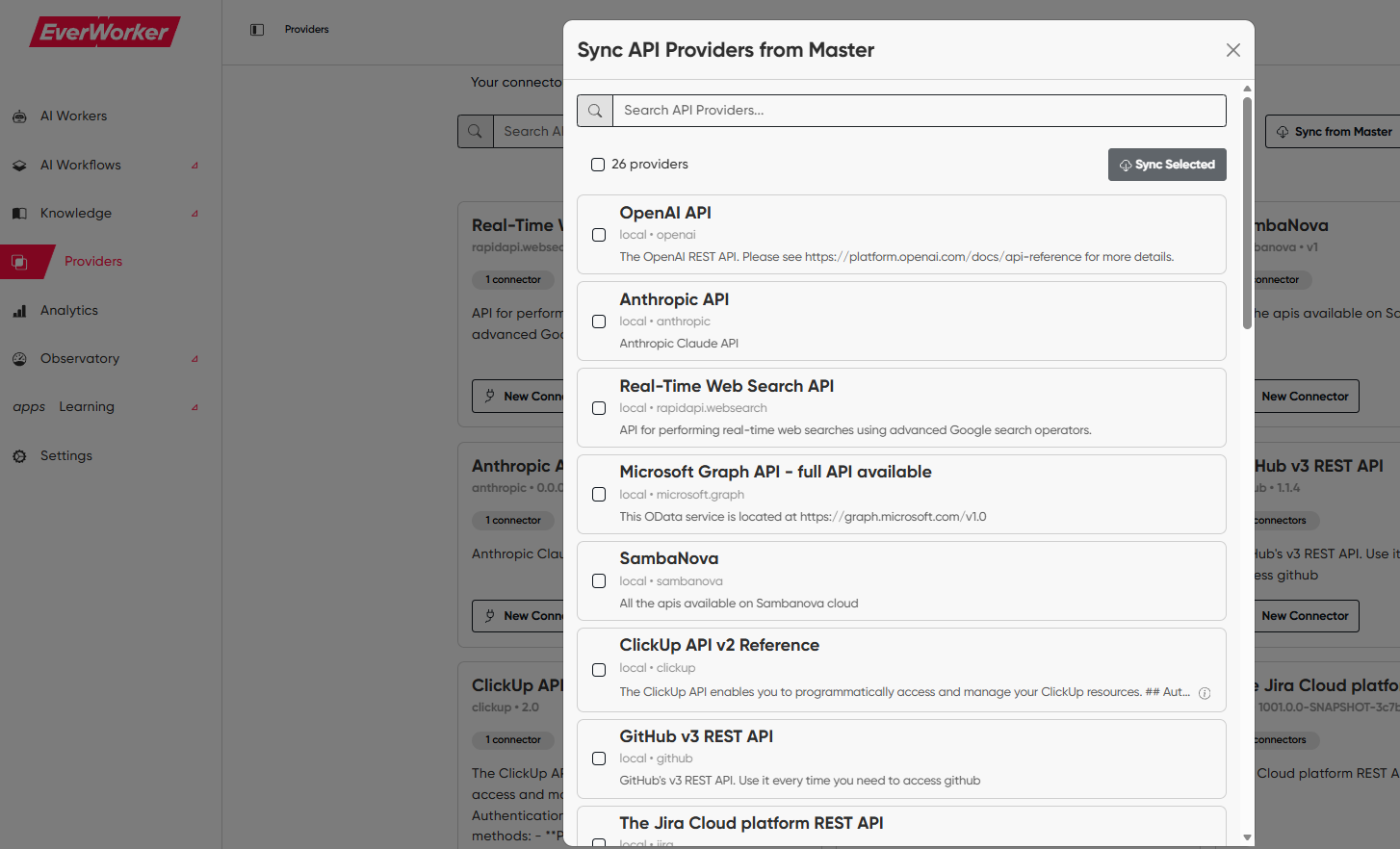
- Set checkbox next to OpenAI API and Real-Time Web Search API, and click the "Sync selected" button.
Creating private/public connectors
Once the providers appear in the tile view of available providers, click "new connector" button on the tile.
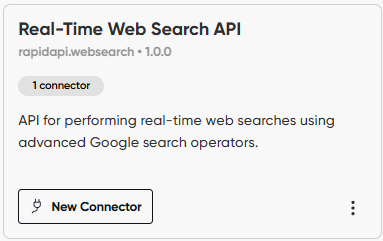
The main variables that you want to change are:
- Public Connector - If you enable this, other users can use this connector. If you do not enable this, only you can access this connector.
- Connector secrets - based on provider configuration, you will see the string where you need to input your API token for the selected provider
Updated 8 months ago
Did this page help you?